
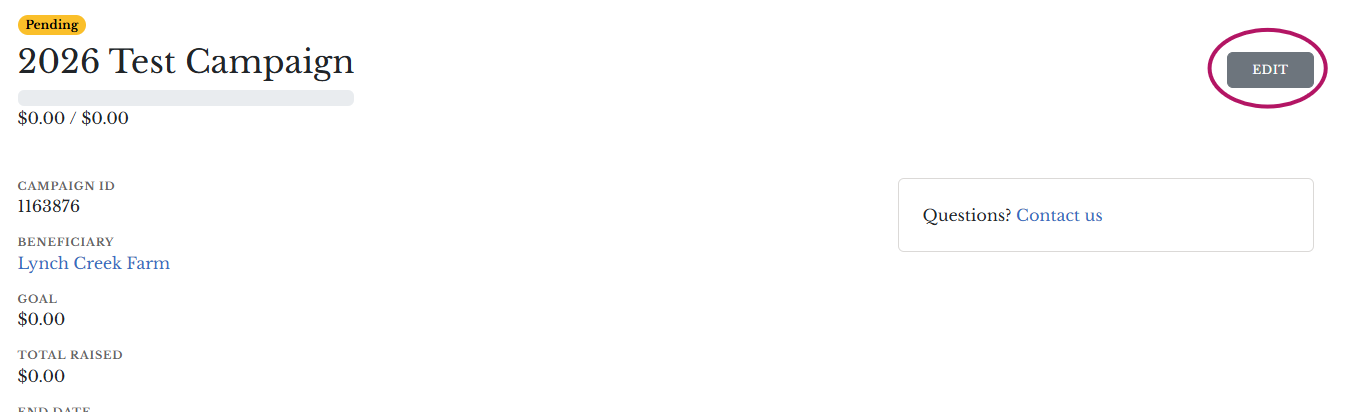
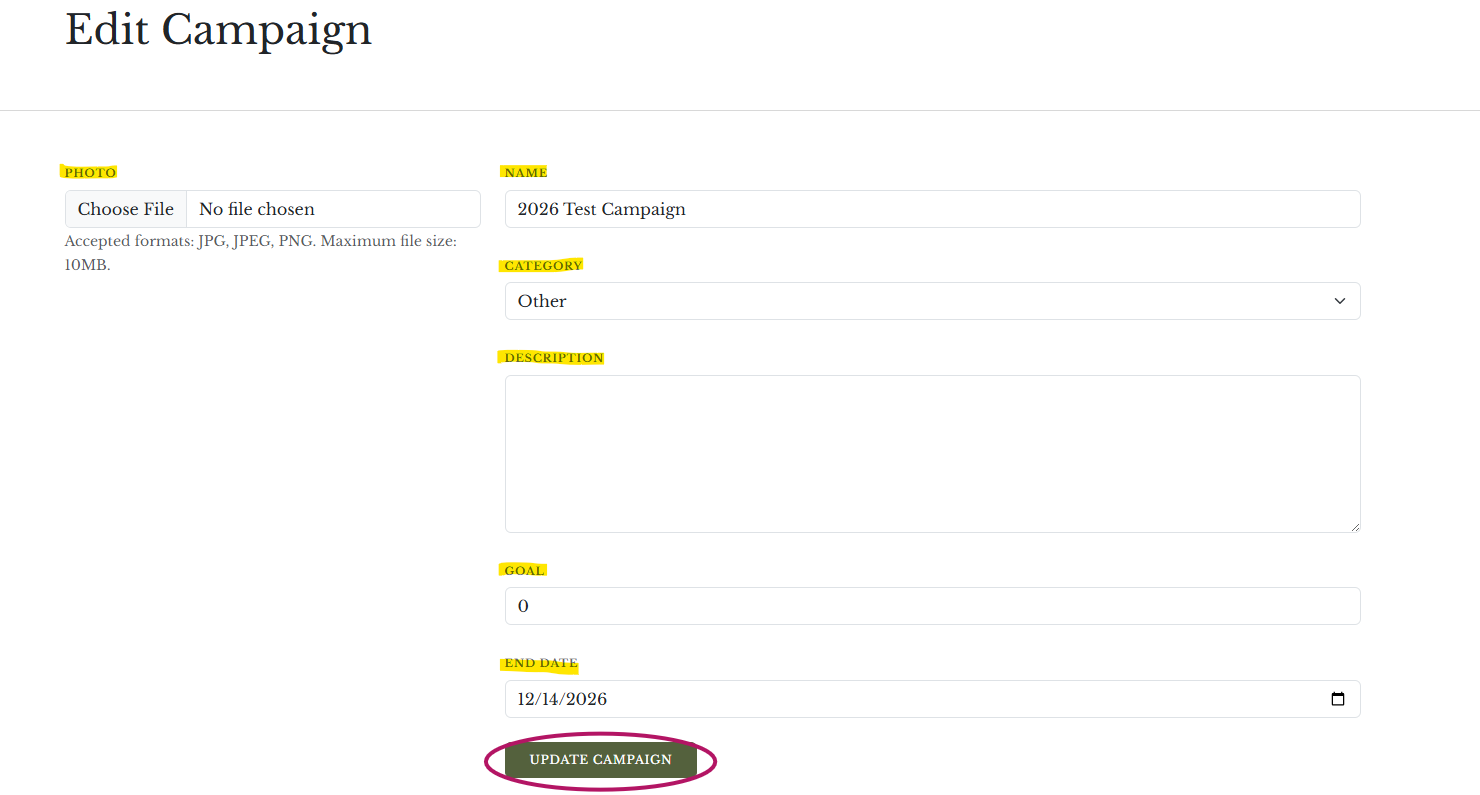
To edit your fundraiser page, click the gray EDIT button at the upper right of your campaign home page.
If you have any further help please contact us by email at fundraising@lynchcreekfarm.com or by phone at 888-426-0781 to provide the updated information.